Download
Get Curate where you save things.
One account and one library, on every device you sign in to. Start on any of them; what you save on one is on the rest before you have put your phone down.
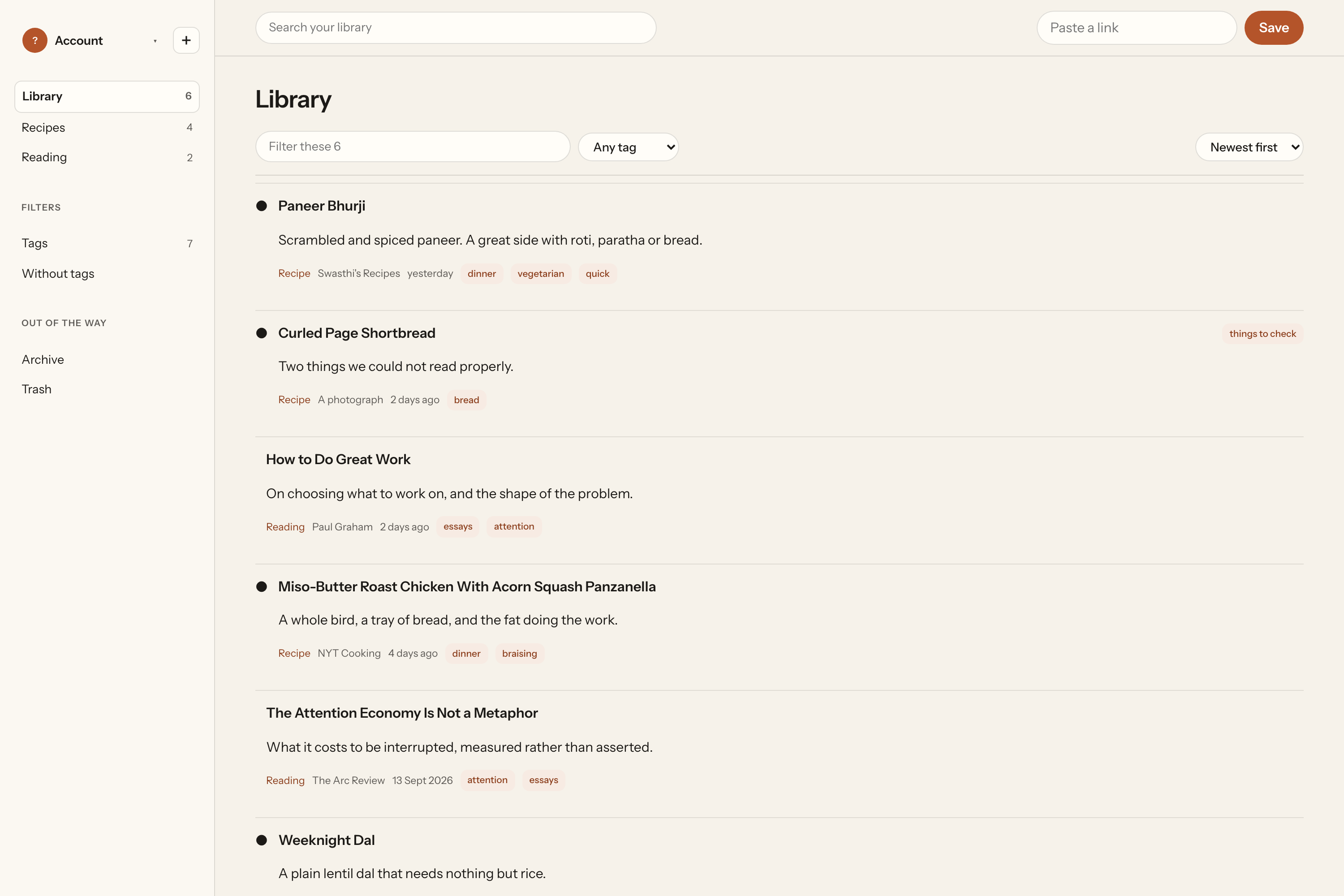
Browser extension
Save the page without leaving it.
One click from the toolbar. It tells you straight away whether you already have this one, so you never save the same article twice.
- Chromeand Brave, Arc, Opera, Vivaldi
- SafariComing soon
- FirefoxComing soon
- EdgeComing soon
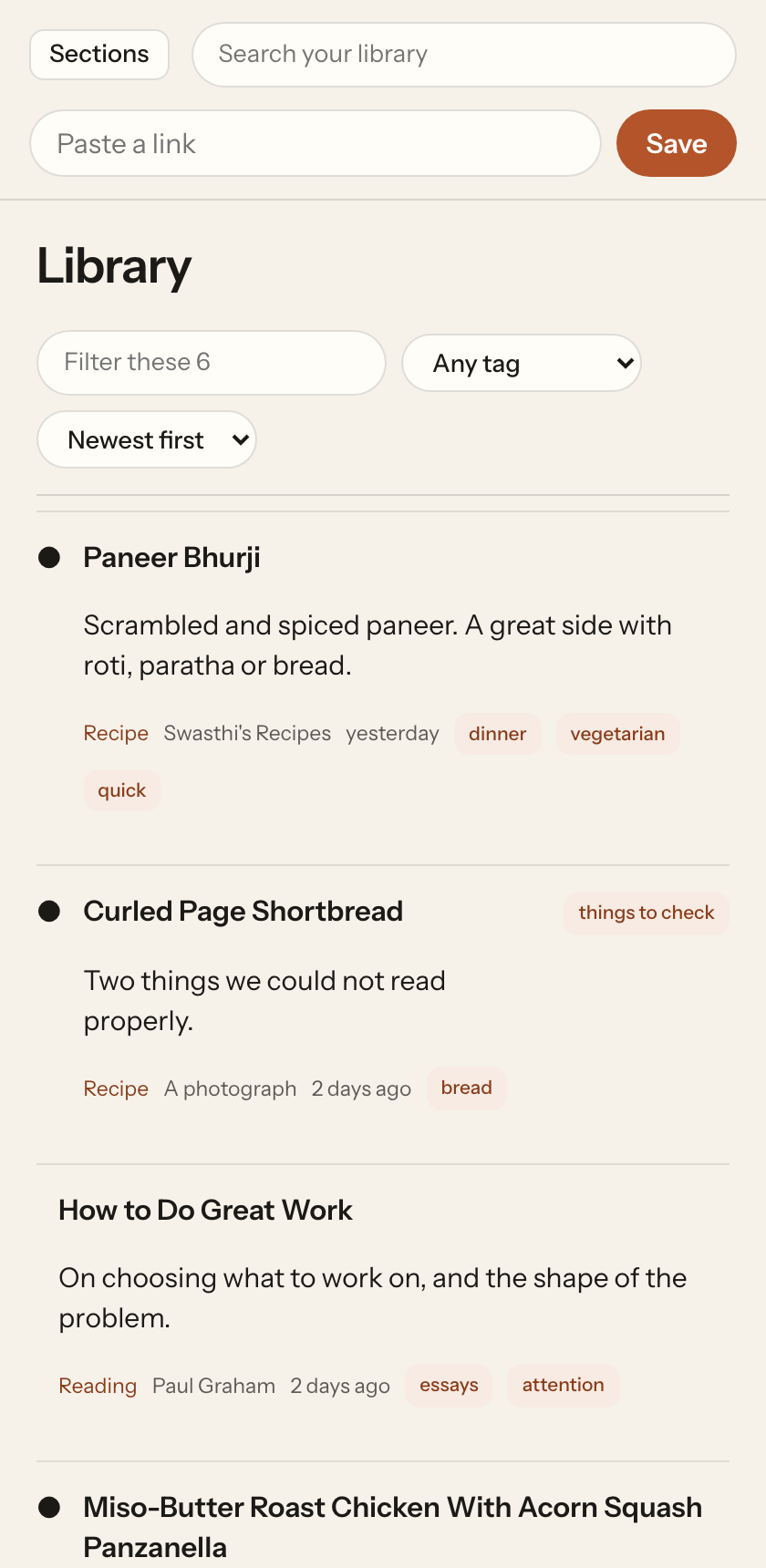
Phone and tablet
Where you find them in the first place.
The share sheet, the camera, the reader and cook mode. Hit Share in any app, pick Curate, carry on with what you were doing.
Coming soonApp Store Coming soonGoogle Play
iPhone & iPad · iOS 17 or later | Android · Android 10 or later
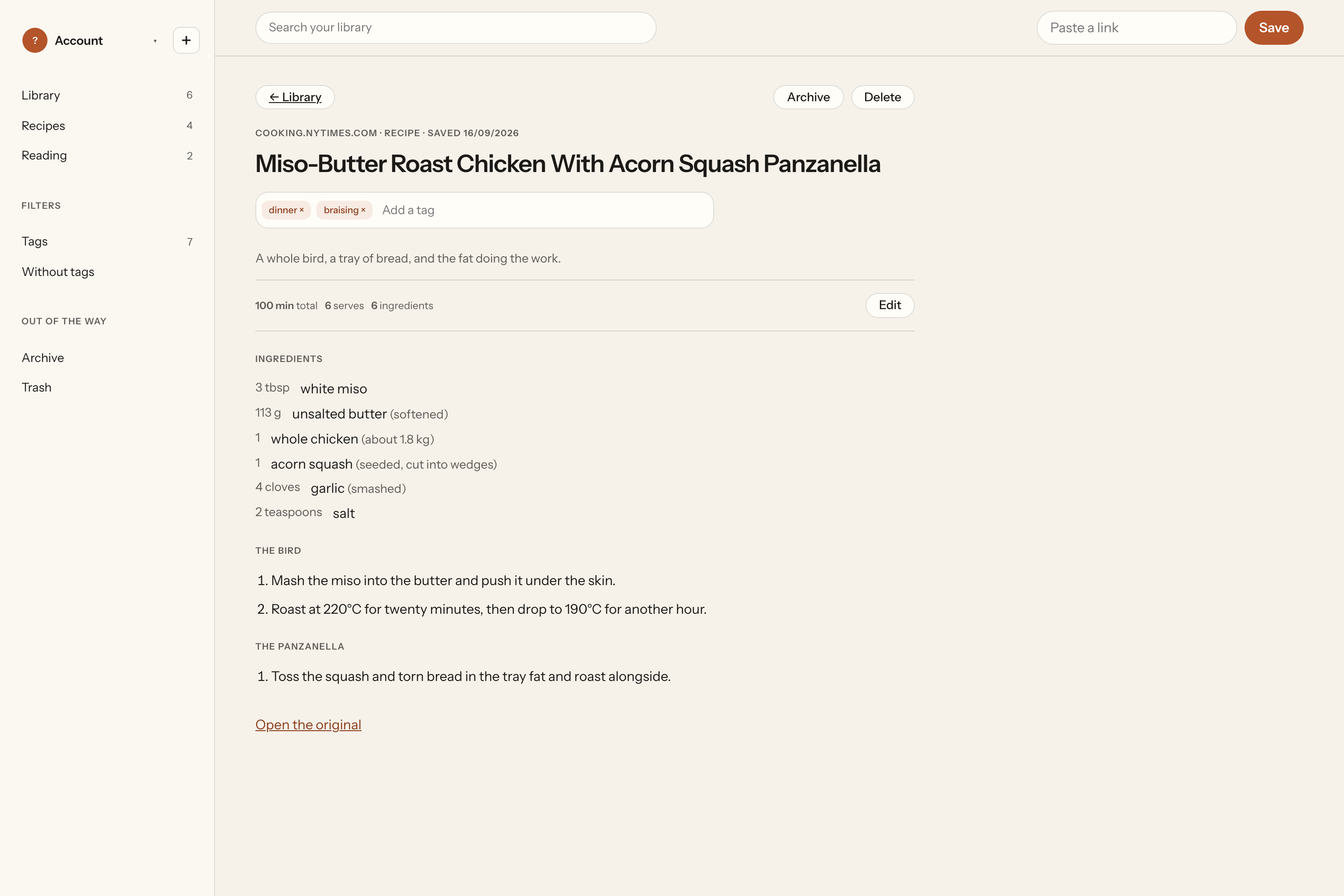
Laptop and desktop
Where you read the long ones.
The whole library at a keyboard, in the Dock or on the taskbar, with everything it has already read available offline.
Coming soonMac App Store Coming soonMicrosoft Store
Mac · macOS 14 Sonoma or later | Windows · Windows 11, and 10 from 21H2
After you install it
Two minutes, and then it disappears into the background.
- Sign in. Apple, Google or an email address. It is the only thing Curate cannot do offline.
- Put Curate in your share sheet. On iPhone, hold and drag it into the front row so you do not have to hunt for it.
- Save the next thing you would have screenshotted. That is the whole setup. We read it in the background and tell you when it is ready.